The longest-running SaaS ads right now
Real ads from the library, one per company, ordered by how long they have run. Updated every day.


The same numbers as sentences, ready to quote
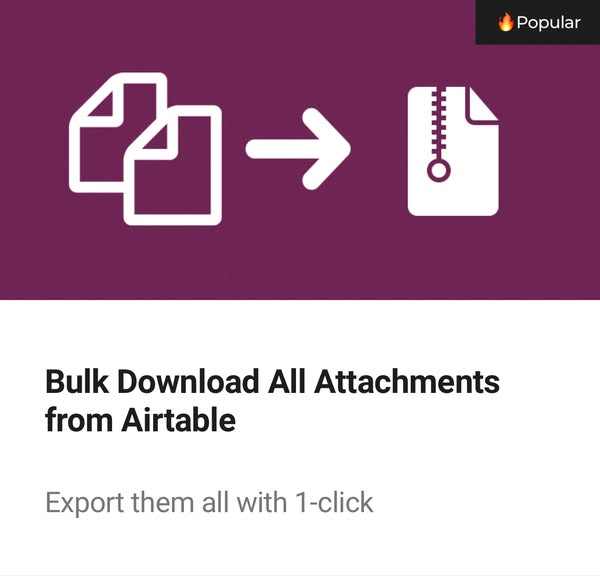
- MiniExtensions has run its ad “Bulk Download All Attachments from Airtable - miniExtensions” for 2,014 days on Facebook and Instagram (SaaSpy, Oct 30, 2026).
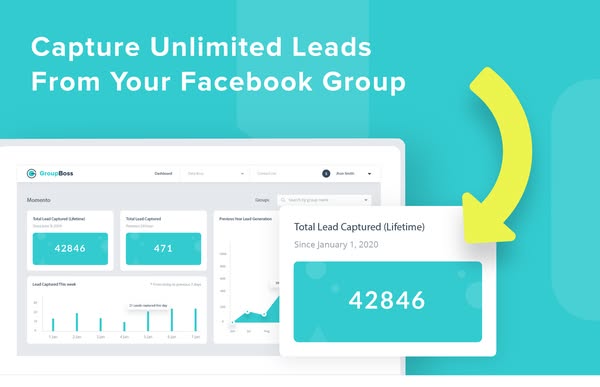
- Groupboss has run its ad “#1 Chrome Extension for Group Owner's & Admin.” for 1,463 days on Facebook and Instagram, with a “Sign up” button (SaaSpy, Oct 30, 2026).
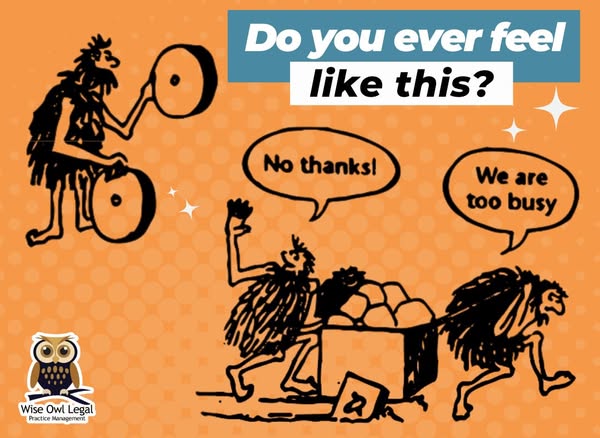
- Wise Owl Legal - Practice Management Software for the Wise Lawyer has run its ad “If you ever feel like you need to re-invent the wheel in your law practice- we can...” for 1,250 days on Facebook (SaaSpy, Oct 30, 2026).
- Quote Countertops has run its ad “Sell more, faster - in one visit!” for 1,249 days on Facebook and Instagram, with a “Get quote” button (SaaSpy, Oct 30, 2026).
- simplifyemsoftware has run its ad “📈Revolutionize your property management with SimplifyEm!” for 1,207 days on Instagram (SaaSpy, Oct 30, 2026).
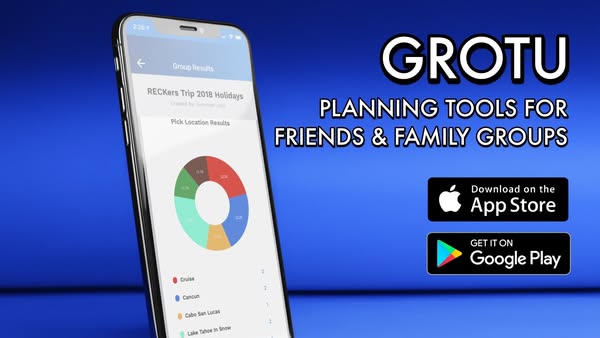
- Grotu has run its ad “Friends & Family App” for 1,148 days on Facebook, with a “Learn more” button (SaaSpy, Oct 30, 2026).
- CoinLedger has run its ad “CoinLedger Crypto Tax Software” for 1,118 days on Facebook and Instagram, with a “Learn More” button (SaaSpy, Oct 30, 2026).
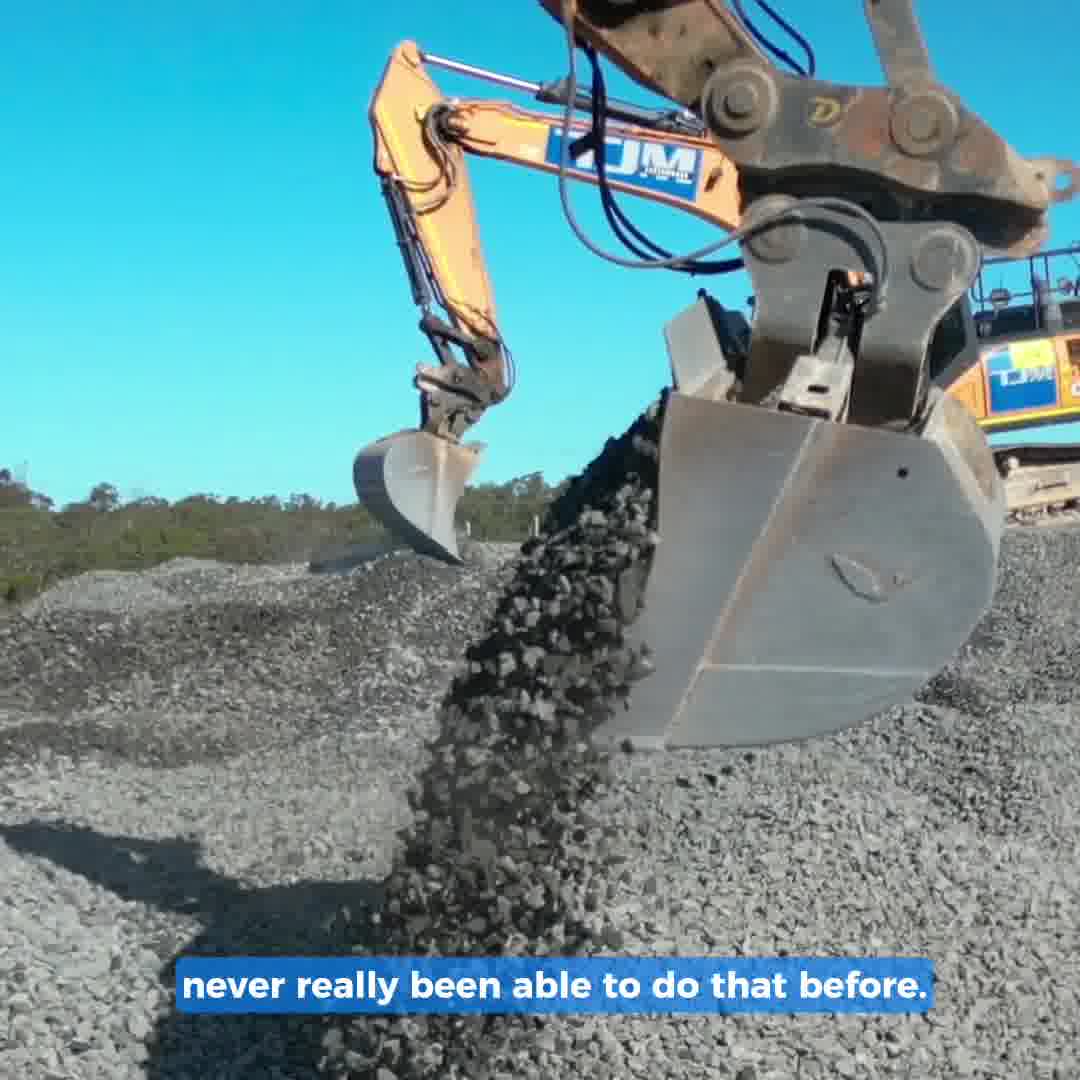
- Assignar has run its ad “DIGITIZE YOUR SCHEDULING WITH ASSIGNAR” for 1,098 days on Facebook and Instagram, with a “Learn more” button (SaaSpy, Oct 30, 2026).
How to search the Meta Ad Library by hand
The Meta Ad Library shows the ads running on Facebook, Instagram, Messenger and Threads. It is free and you do not need an account.
- Open the library, pick a country (or “All”) and set the ad category to “All ads”.
- Type a keyword. Or type a company’s page name and pick it from the list to see only its ads.
- Use the filters: active ads only, the platform, and the media type (images or videos).
- Read the line on each ad that says “Started running on”. The older the date, the more the ad has proved itself.
What it will not do: show only software companies, or let you save an ad. The library above does both, for SaaS.
How to search the Google and LinkedIn ad libraries
Google. Open the Google Ads Transparency Center and type a company name or its website. You search by advertiser, not by keyword. Then filter by region, platform (Search, YouTube, Shopping, Maps, Play) and format (text, image, video). Each ad shows when it was last shown.
LinkedIn. Open the LinkedIn Ad Library and search by keyword, company, country or date. An ad stays there for a year after it last ran. For ads shown in the EU it also shows impressions and targeting.
We get a start date for every Meta ad, but not for Google and LinkedIn ads. That is why, in the library above, a Google or LinkedIn ad says where we saw it, not how long it has run. Our Google coverage is still small: most ads come from Meta and LinkedIn.
Meta has no download button. Here is how ours works.
The Meta Ad Library lets you watch an ad, not keep it. People take screenshots, record their screen, or dig the file out of the page code.
We keep our own copy of each ad’s image or video, because the file links on Meta’s page stop working after a few weeks. The Download button gives you that file: an MP4 for a video ad, a JPG, PNG or GIF for an image ad. The file name carries the ad’s ID from its library, so you can find the original again. When we could not keep a video, you get its cover image.
Downloads are free, up to 40 an hour. Use them for research, swipe files and team reviews. The ads belong to the companies that made them, so do not run them as your own.
What to look for in a SaaS ad
How long it has run. A company stops paying for an ad that loses money. An ad live for 90 days or more is one that pays for itself. In the library above, each company’s longest-running ads come first.
The hook. The first line of the text, or the first three seconds of the video. Good ones name a problem the buyer already has.
The offer. What the ad asks for: a free trial, a demo, a template, a discount. Read the button too: “Sign up” and “Learn more” ask for very different things.
The landing page. Open the page the ad sends people to. If its first line repeats the promise of the ad, that is the funnel paying for it.
Questions
Can I download ads from the Meta Ad Library?
Not from Meta: the Meta Ad Library has no download button. In the free SaaSpy SaaS Ad Library, every ad shown has a Download button that saves the image or video, up to 40 downloads an hour.
How do I search the LinkedIn Ad Library?
Open linkedin.com/ad-library and search by keyword, company, country or date. Ads stay there for a year after they last ran. To see the LinkedIn ads of SaaS companies next to their Meta ads, pick LinkedIn in the SaaSpy library.
Does the Meta Ad Library have an API?
Yes, but it covers ads about social issues, elections or politics and ads shown in the EU, and it does not return the images or videos. SaaSpy Pro puts SaaS ads and company numbers inside Claude, ChatGPT and Cursor through its MCP server.
Where can I find good SaaS ad examples?
Look for the ads that have run the longest. Companies stop ads that lose money, so an ad live for months is one that pays. The SaaSpy Ad Library page lists the longest-running SaaS ads right now, and its search shows each company's longest-running ads first.
Is the SaaS Ad Library free?
Yes, with no sign-up. Each search shows the first 12 matching ads, and you can download up to 40 an hour. SaaSpy Pro shows every matching ad, plus each company's estimated ad spend, revenue and growth.